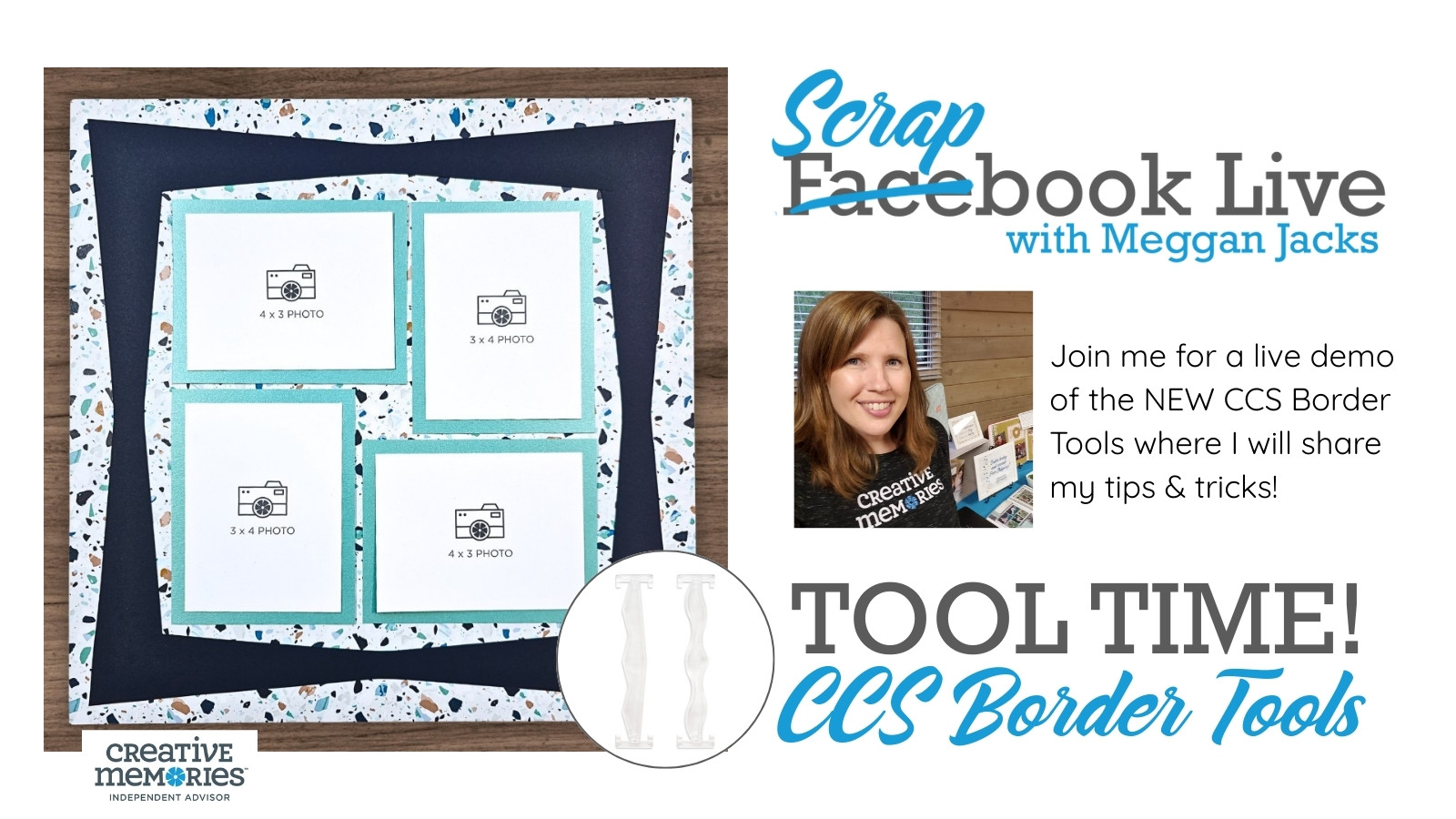
Custom Cutting System Border Cutting Tools
Creative Memories has brought back a longtime fan-favorite concept—decorative edges—but with a fresh, modern twist. This week on Scrapbook Live, we’re diving into the brand-new Custom Cutting System (CCS) Border Cutting Tools, a redesigned and re-engineered version of decorative edges that go all the way back to early CM tools.
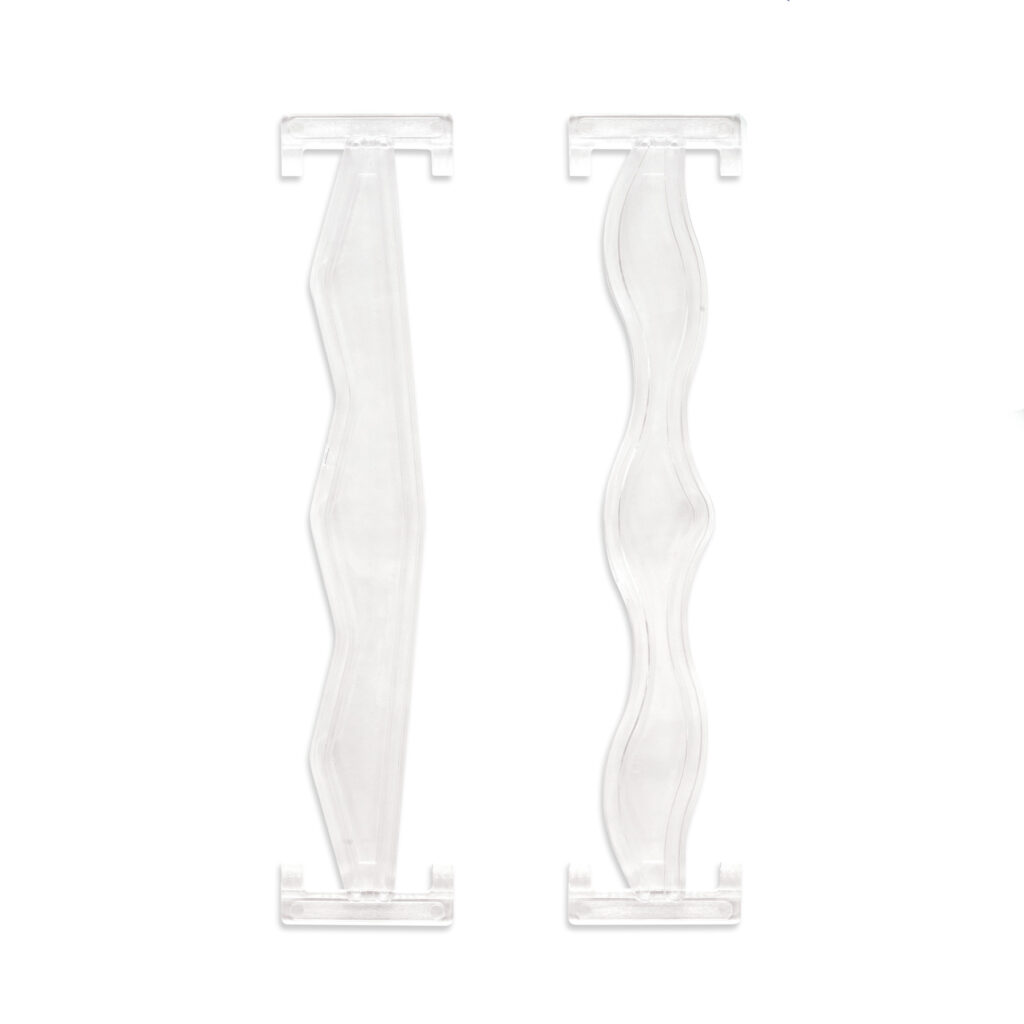
If you’ve been scrapbooking for a while, you may remember the original CCS decorative edges that worked with the old cutting mats. Those eventually evolved into the 12-inch Decorative Trimmer, which many of us used for years until it was retired. Now Creative Memories has reimagined the best parts of both systems and combined them into this innovative set of Border Tools—updated, sturdy, and perfectly sized to work with the 13×13 CCS cutting mat.
This week’s Scrapbook Live is all about learning, experimenting, and getting confident with these new tools!
Note: The CCS Border Cutting Tools are currently only available from a CM advisor. Please reach out to your advisor to inquire about how to order them. If you are not currently working with an advisor, you can order the new tools right here on my website.
What We’ll Explore in This Episode
During the live session, I’ll be demonstrating how to use each of the new CCS Border Cutting Tools with the Custom Cutting System blades:
- Red blade (closest cut)
- Green blade (medium cut)
- Blue blade (widest cut)
We’ll start with simple practice cuts on cardstock to understand how the tools glide and track. From there, we’ll work our way into cutting strips to use on a page and lastly, I will demonstrate a sure-fire way to cut out a frame using binder clips—a super helpful trick that allows for consistent repetitive cuts each and every time.
No Handout This Week
Because these tools open up so many creative possibilities, this Scrapbook Live is more of a hands-on workshop than a project-based layout session. Think of it as your guided practice time to get comfortable with the mechanics of the system. I recommend watching the live demo first, taking copious notes and then work along with the recording when you are able to start and stop the video as needed.
What to Bring to Scrapbook Live
You won’t need a printed handout this week—everything will be shown step-by-step on camera. To make the most of the session, I recommend having these items available:
- 13×13 Custom Cutting System Cutting Mat
- Custom Cutting System Border Cutting Tools
- Red, Blue, and Green CCS blades
- Cardstock (a few sheets to practice with)
- Decorative papers (optional)
- 18-inch ruler (helpful for measuring and aligning)
- Pencil
- Small Binder clips (for the cutout frame demonstration)
- Notebook for tips, measurements, and reminders
Demo Video
Need New or Retired Creative Memories Supplies?
Please consider shopping with me when you shop Creative Memories online! You can also shop my personal inventory of new and retired Creative Memories supplies (click the blue button below).