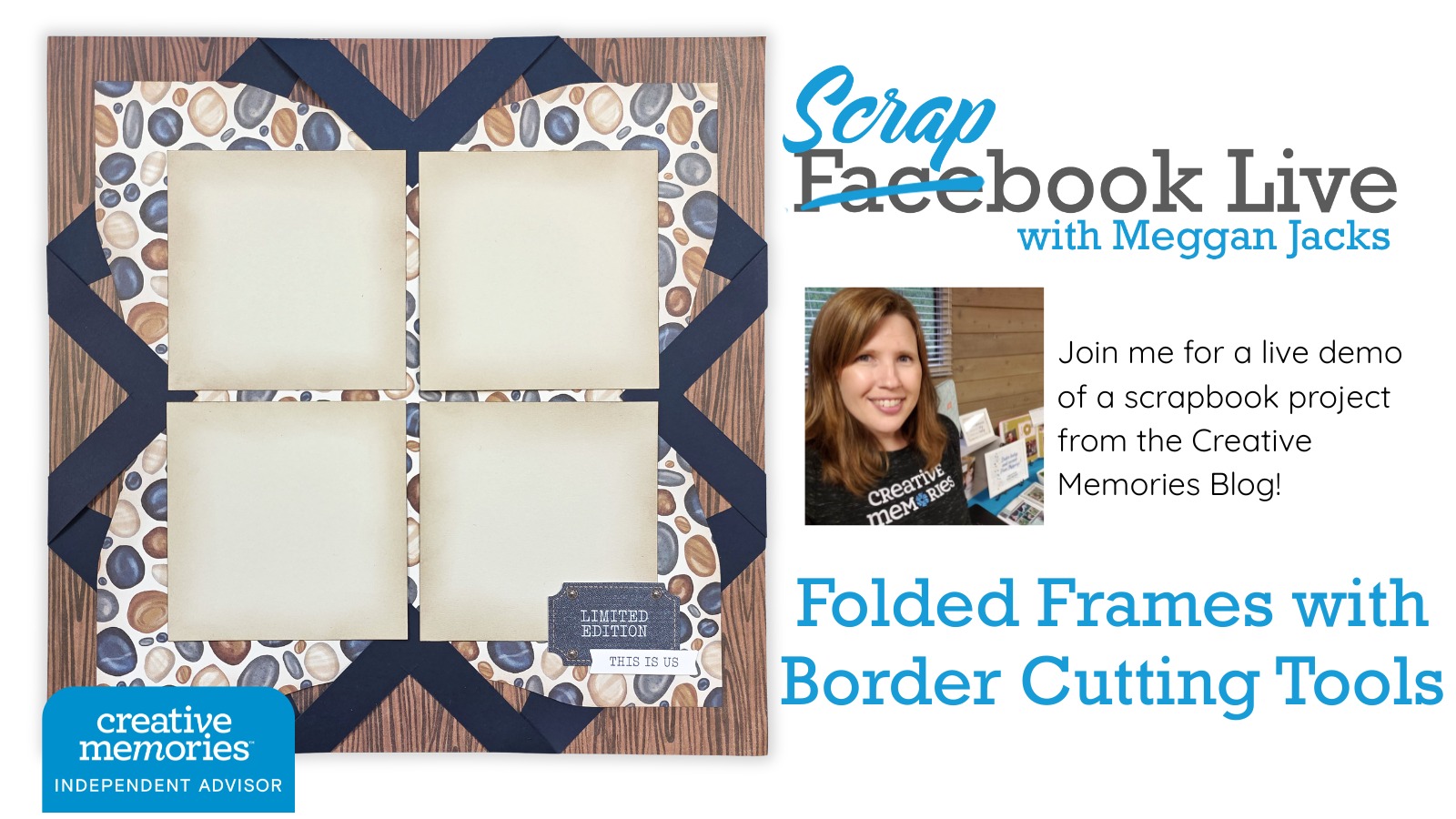
The CCS Border Cutting Tools are a must have!
Here’s something I hear a lot — and honestly, something I’ve thought about myself: “I have this design I love, but it calls for the 12-inch decorative trimmer. That tool is retired. Now what?”
If that sounds familiar, this week’s Scrapbook Live is for YOU.
The Creative Memories 12-inch Decorative Trimmer was a staple in so many of our craft rooms for years and years. It gave us those beautiful, stylized cutting edges — the wavy cuts, the gentle swells — that added so much personality to a layout. But it’s retired now, and if yours has seen better days (or you’re newer to Creative Memories and never had one), it can feel like those older designs are just out of reach.
Good news: they’re not. The new CM Custom Cutting System border cutting tools give us those same stylized edges — just in a different format. And this Friday, I’m going to show you exactly how to use them to bring an older design back to life.
The layout I’m walking you through comes from the May 2024 Power Hour — a design I originally made using the 12-inch Decorative Trimmer. We’re going to use the new border cutting tools to recreate those same decorative cuts and get the same beautiful result. Think of this session as part tutorial, part play session — we’ll work through the technique together and you’ll leave with a solid understanding of how to apply the new tools to older instructions going forward.
Demo Layout was made with the Lakeside Memories collection and the ARCH edge of the Crest/Arch tool.
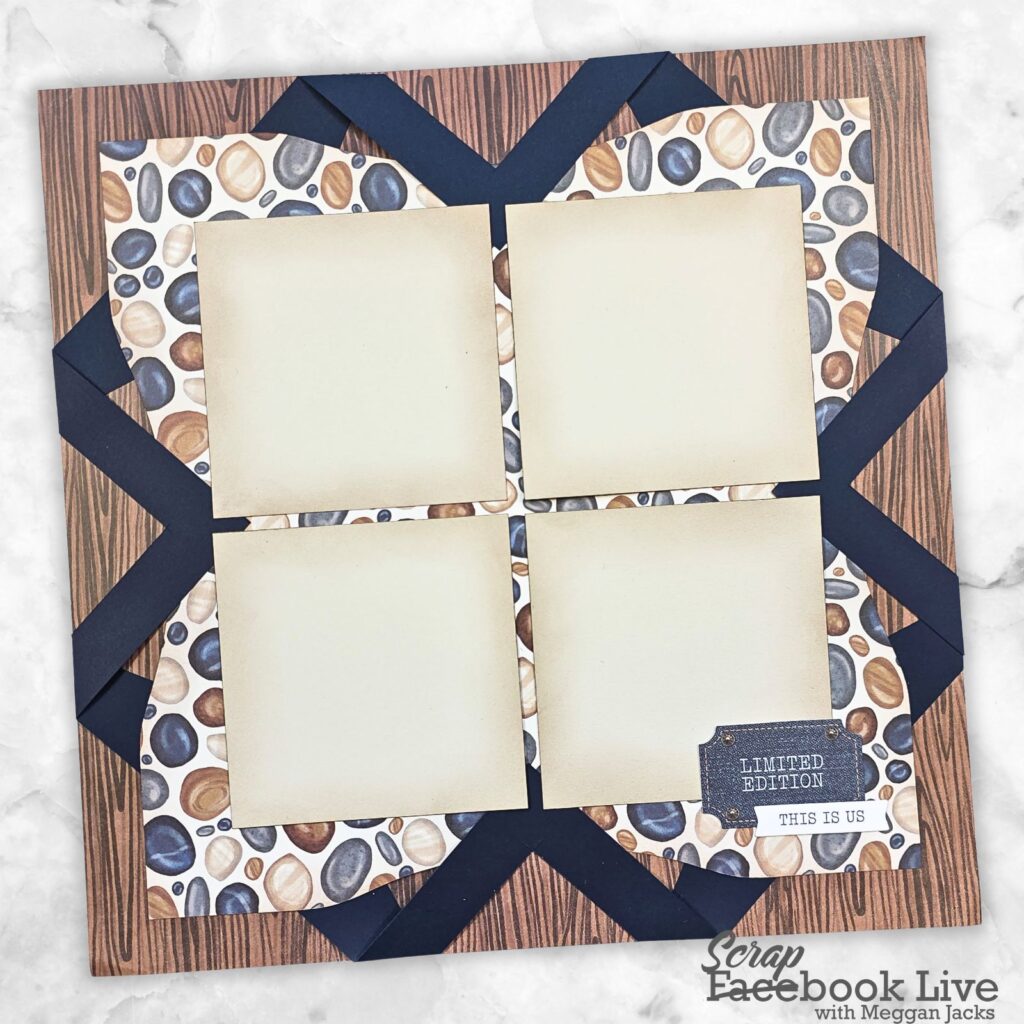
Here’s what to have on hand
To follow along, you’ll want to gather:
- Any one of the CM Custom Cutting System Border Cutting Tools (whichever set you have is perfect!)
- The Red Blade from your Custom Cutting System
- Small binder clips
- Your 13×13 mat
- 12×12 Designer paper of your choice – ugly or spare paper is best as we work through new techniques
- Your 12-Inch Rotary Trimmer with Scoring Blade
Here’s what we’ll cover
- How the new border cutting tools relate to the retired 12-inch Decorative Trimmer
- How to read an older layout design and swap in the new tools with confidence
- Working through the May 2024 Power Hour layout step by step
- Tips for practicing with new cutting tools before committing to your good paper
Video Demo
Grab Your Free Printable Handout
The handout for this session is available through the Meggan and Tessa website — you can grab it using the link below. It includes the original layout so you can follow along at home!
Grab your border cutting tools and join me LIVE on Friday, April 3rd at 3pm ET / 12pm PT on my Facebook page! Whether you’re brand new to the Custom Cutting System or you’ve just been missing your old trimmer, this one is going to open up a whole new world of design possibilities. ??
Need New or Retired Creative Memories Supplies?
Please consider shopping with me when you shop Creative Memories online! You can also shop my personal inventory of new and retired Creative Memories supplies (click the blue button below).