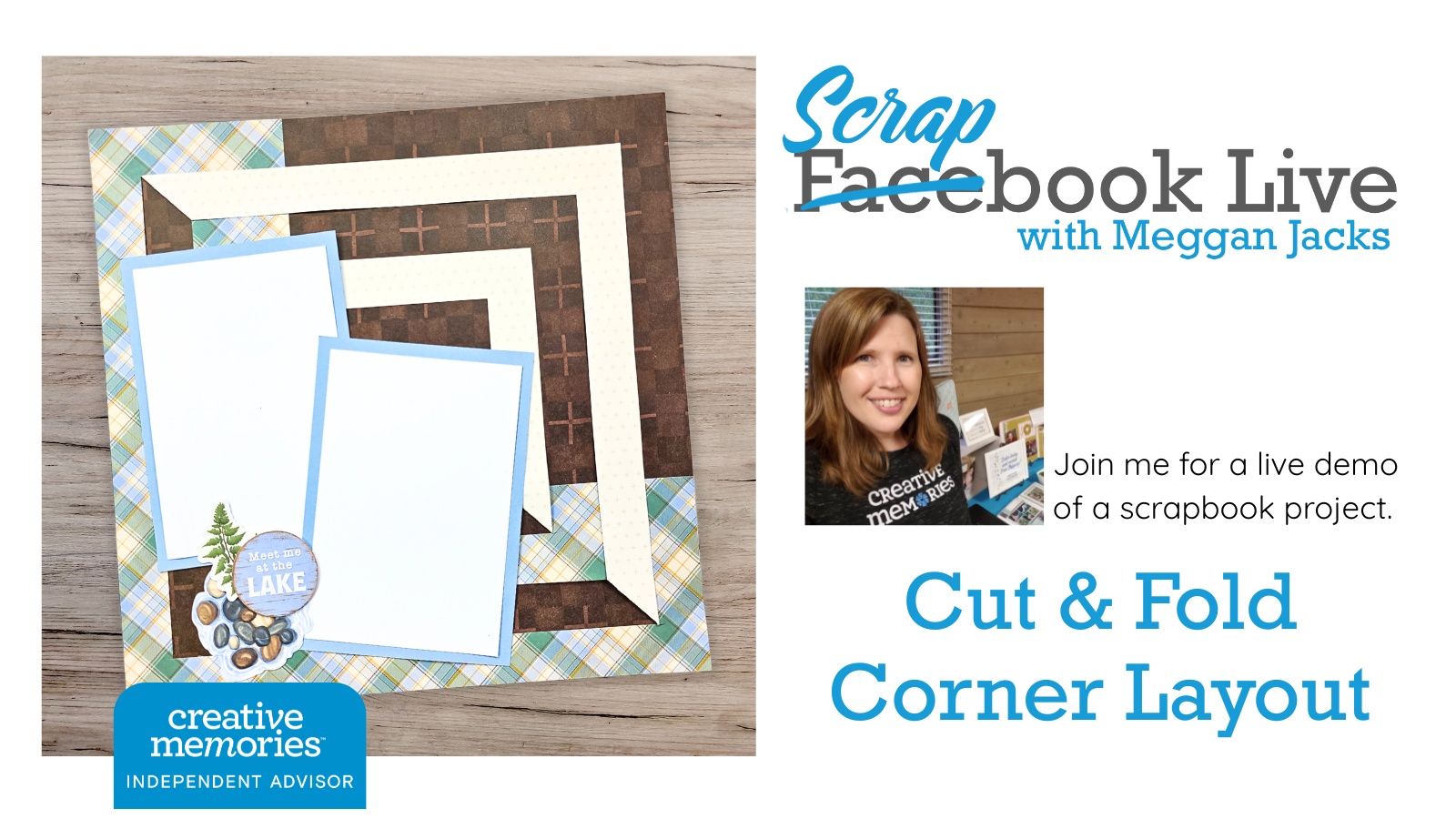
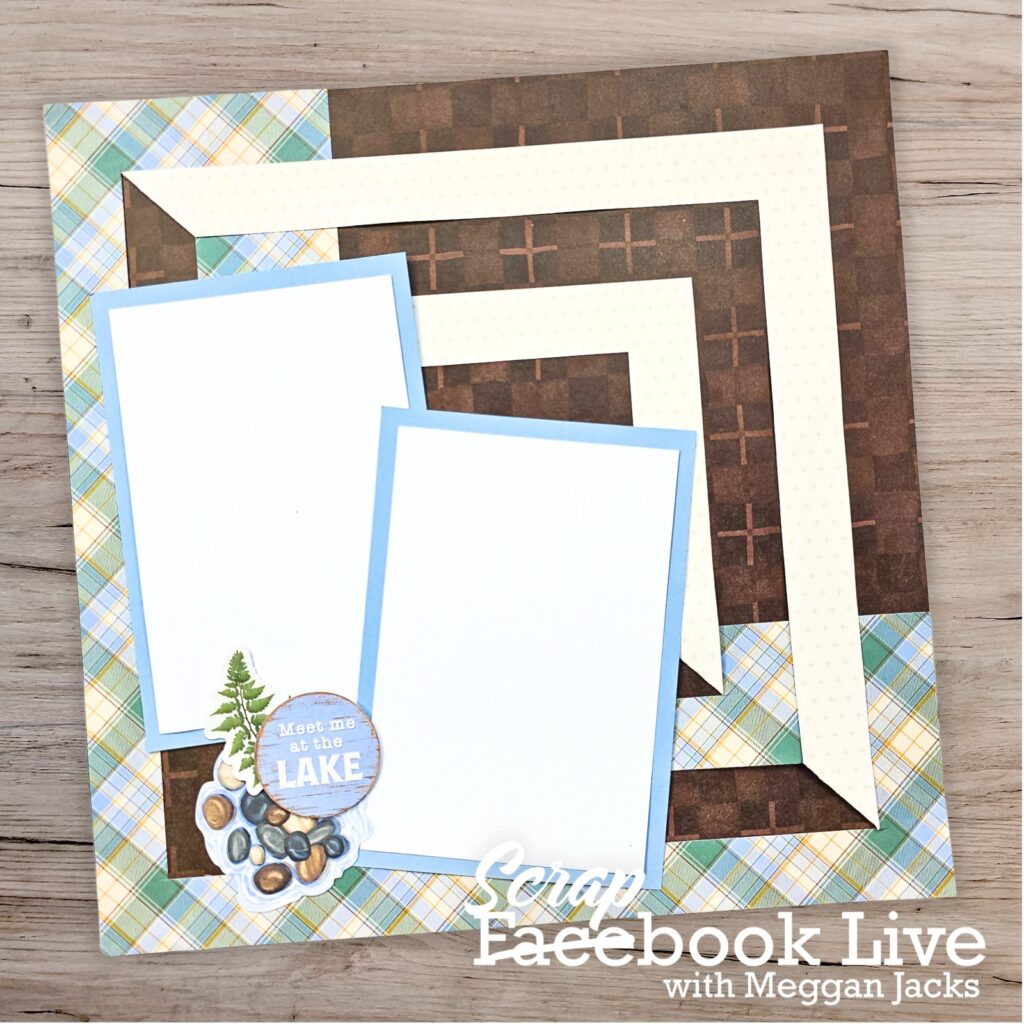
This week on Scrapbook Live, I am showing you what to do with the L-shaped corner piece that’s left behind after you cut an 8×8 square out of a 12×12 sheet of paper. You know that piece — the one that ends up in the scrap pile or the trash. That L-shaped remnant? We are turning it into the star of a gorgeous 12×12 layout.
This project was inspired by my desire to use up the last of my scraps from when I put together the Legacy of Love Playbook — one of my absolute favorite Creative Memories releases. I shared this with my customers via a Zoom Crop last January when Legacy of Love first debuted and I am SO excited to finally bring it to Scrapbook Live! A few simple cuts and some strategic folds reveal the reverse side of your designer paper, creating a beautiful geometric pattern that adds SO much visual interest to your page.
Here’s the key thing to know going in: because this technique involves folding the paper to expose the reverse side, you will want to use designer paper where you love BOTH sides. Creative Memories designer paper is perfect for this — but as always, you can absolutely use any double-sided designer paper from your stash. The technique works with any collection!
Here’s what we’ll cover
- How to cut your L-shaped remnant to set up the design (incase you don’t have the perfect scrap!)
- How to fold the pieces to reveal that gorgeous reverse side
- How to use the finished geometric element on a 12×12 layout
- How to adapt this technique to any designer paper you already own
Grab Your Free Printable Handout
Download your free handout below — it includes step-by-step instructions so you can follow along at home or bring it to your next crop!
Need New or Retired Creative Memories Supplies?
Please consider shopping with me when you shop Creative Memories online! You can also shop my personal inventory of new and retired Creative Memories supplies (click the blue button below).