It’s Time to Stretch Our Creative Muscles!
Creative Memories’ August Virtual Crop starts on Friday, August 14th, so we’re kicking off the weekend with a little sketch warm-up during Scrapbook Live! If you haven’t worked with a sketch in a while, this will be a great refresher before the four new Virtual Crop sketches are released Friday afternoon. I found a sketch on the Creative Memories Blog from the December 2021 Virtual Crop that I think will be the perfect mix of simplicity and flexibility to get our creative juices flowing.
During the live session, we’ll talk about how I approach a sketch and, more importantly, how I make it work for the photos I actually want to scrapbook. Remember, a sketch means to provide inspiration, not a set of rules. You can change the number or size of the photos, move things around, leave elements out or add something that wasn’t there at all.
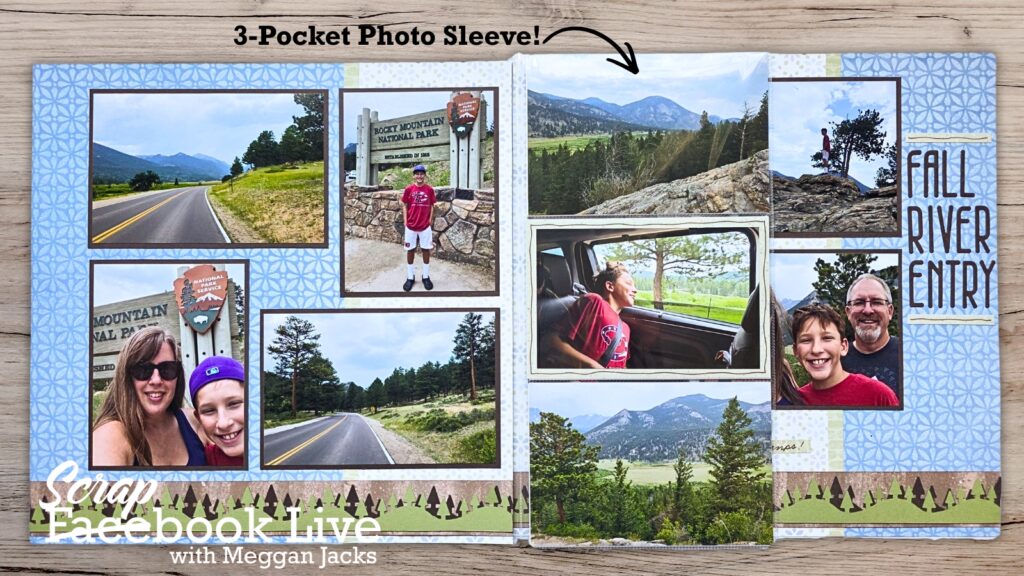
I often like to start by building the basic background of the sketch and then figure out how my photos fit into the design. We’ll talk about why that works for me and some options when your photos don’t match what the sketch calls for — especially when you have more photos than the sketch has spaces! We’ll also look at simple ways to adapt a sketch, including using tools like Peekaboo Pockets when you need a little extra room for photos.
The goal isn’t to perfectly recreate the sketch. It’s to use it as a starting point and end up with a layout you love.
And hopefully, by the time the four new August 2026 Virtual Crop sketches are released at 5 p.m. Central, you’ll be warmed up and ready to scrapbook!
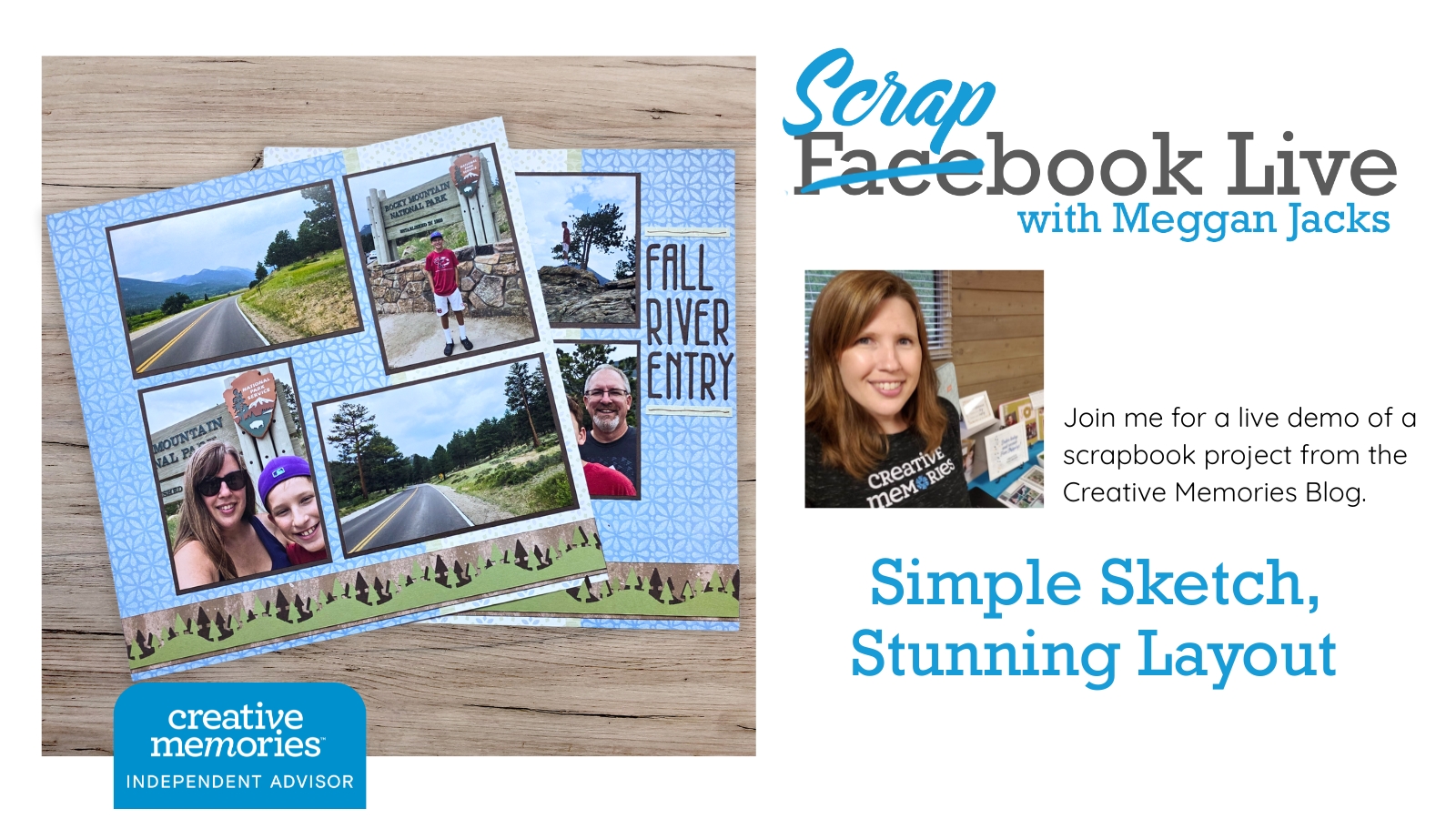
Simple Sketch, Stunning Layout
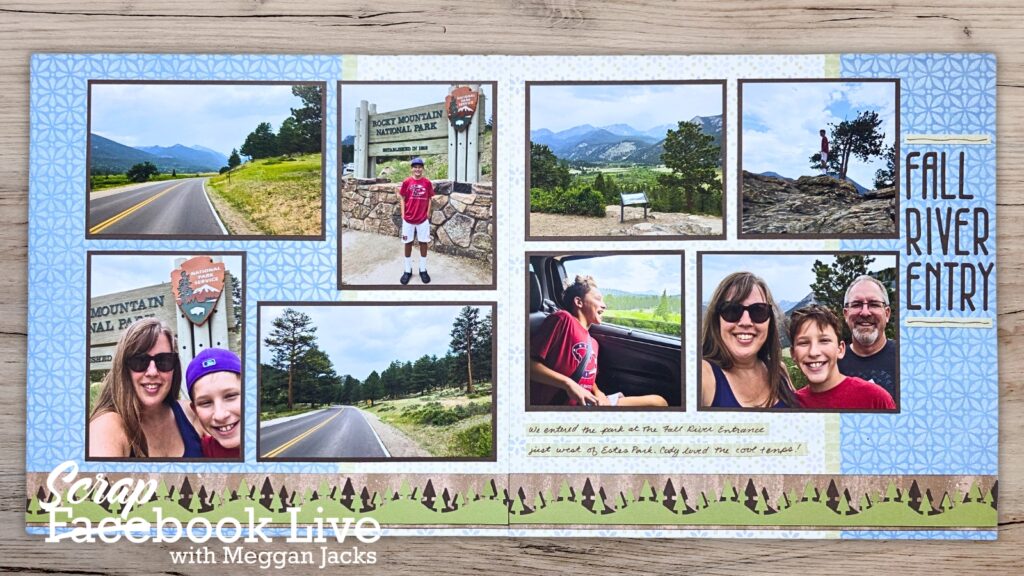
I used a combination of papers from the (still available) Your Own Way and (retired) Serenity collections to create this page for our drive through Rocky Mountain National Park. I used the Rolling Hills BMC (available in my shop!) to create a simple border. The drive was stunning and the simple page allows the photos to shine. I had more photos than I could fit on the page, so I opted to use a 3-Pocket Photo Sleeve to add 6 photos to the spread. It doesn’t get any easier than that!
Class Recording/Demo Video
Free PDF Handout
Need New or Retired Creative Memories Supplies?
Please consider shopping with me when you shop Creative Memories online! You can also shop my personal inventory of new and retired Creative Memories supplies (click the blue button below).